
Check out the guideline below to learn how to view the candidate list and details in easy.jobs:
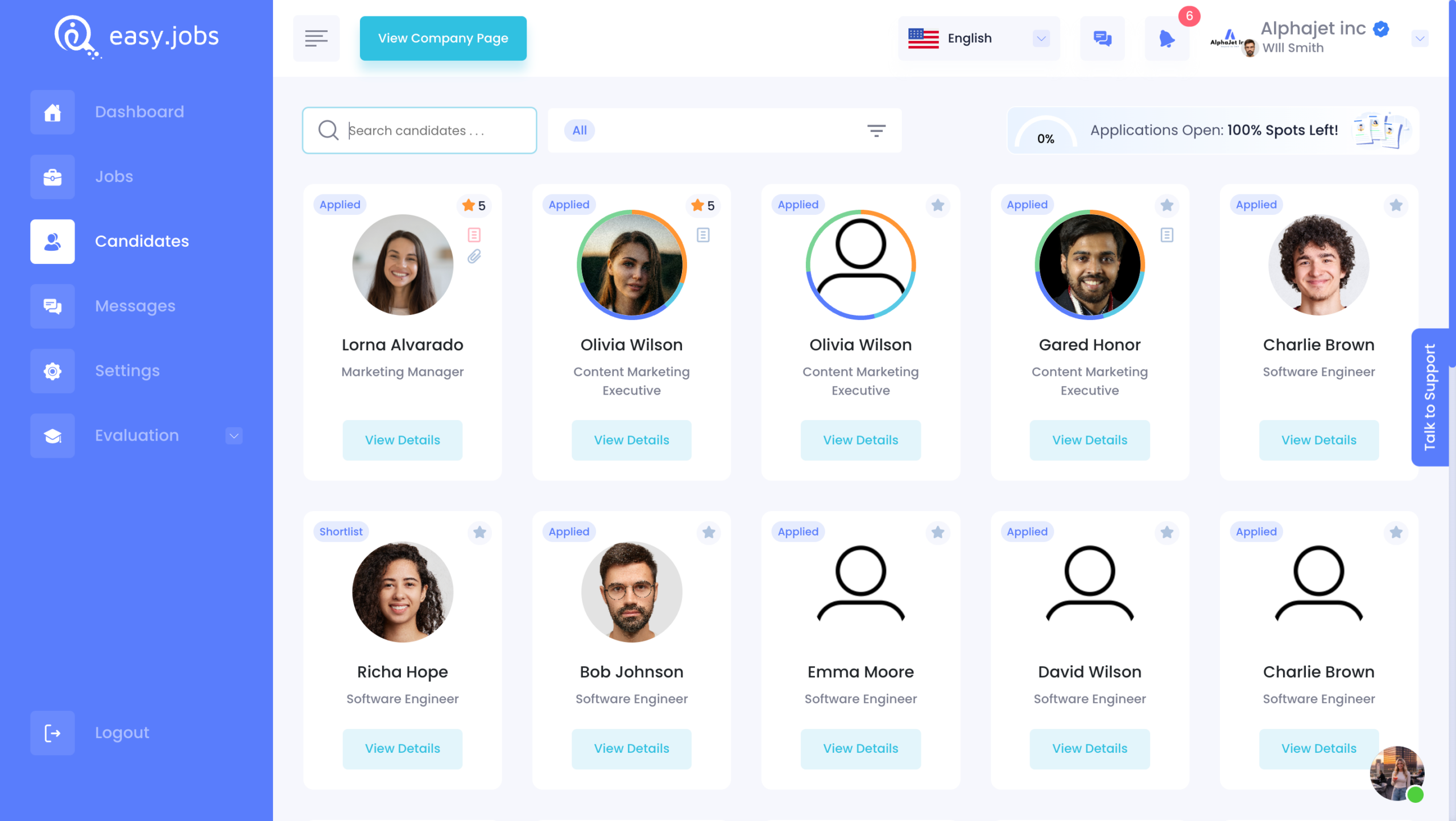
Trinn 1: Navigere til Dashboard → Candidates. It will take you to the view below, where you can see all your candidates, including ratings.
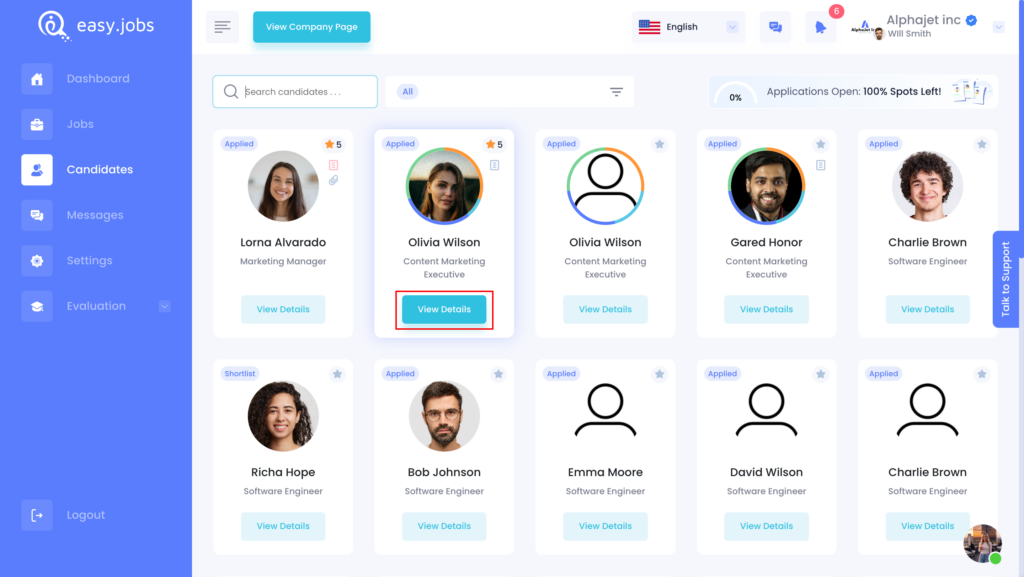
Steg 2: To see detailed info about a particular candidate, click on the ‘Vis detaljer‘
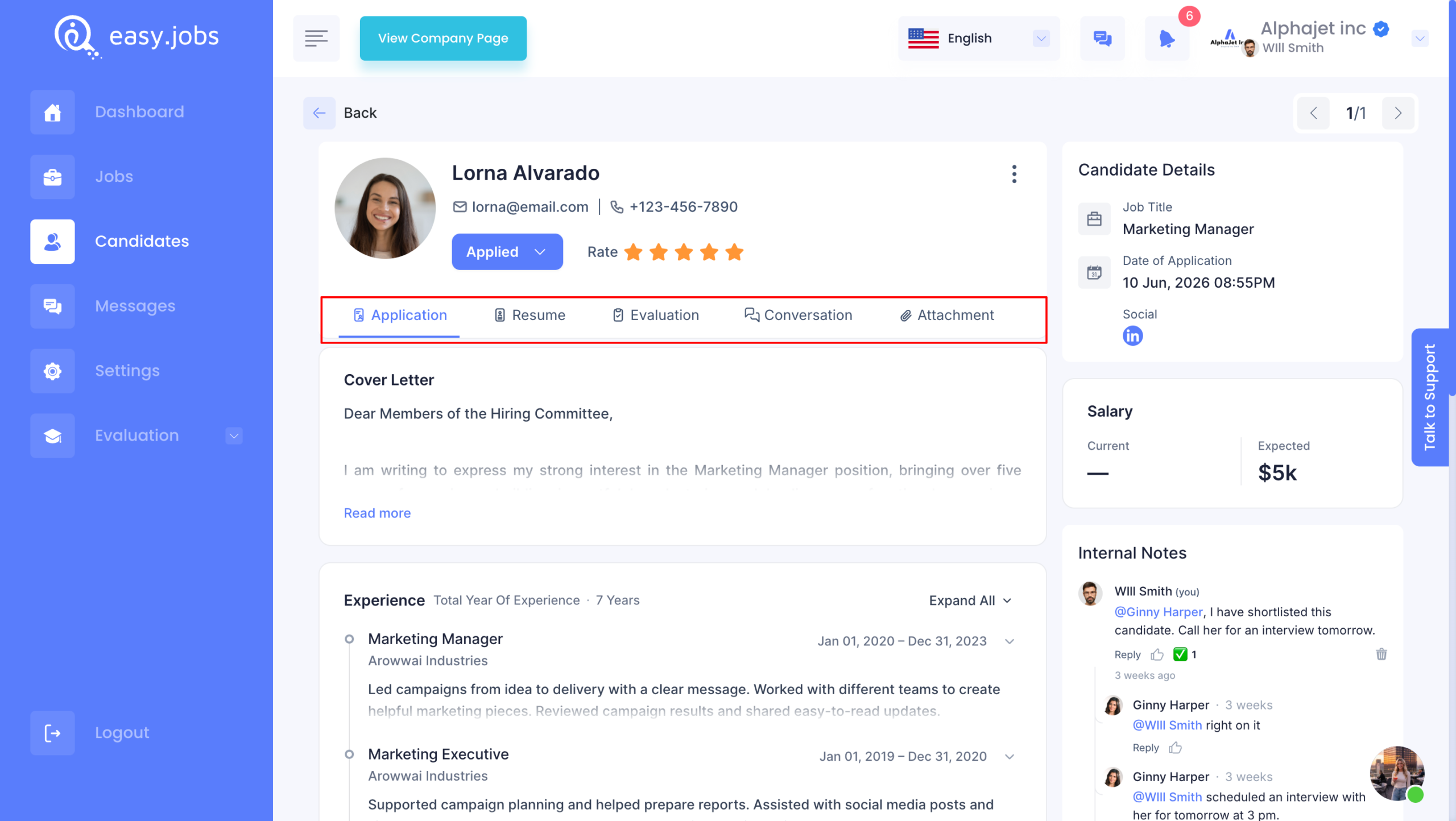
Trinn 3: There are particular tabs to get specific information.
✅Application: You will see the overview of a candidate, such as experience and educational background.
✅Resume: If you click on the Resume tab, you will see the detailed CV of your candidate.
✅Evaluation: Du vil se resultatene for screening spørsmål.
✅Conversation: You will get in-app messaging under the Conversation tab to communicate with candidates.
✅Video: If the candidate has uploaded a video resume or any video file, you will find it here.
In addition, you can keep notes to remind yourself of anything special about the candidate, which will help you make the hiring decisions.
Hvis du trenger hjelp, må du gjerne kontakt oss eller bli med på vår Facebook-fellesskapet for å få kontakt med andre bedriftseiere som deg selv.