
Pipeline refererer til hele rekrutteringsnivåene hvert innsendt CV går gjennom før du når en endelig avtale. Generelt sett har nesten alle selskaper det primære Rekrutteringsrørledning trinn dvs. innsending av søknad, kortlisting, telefonscreening og et endelig intervju fra ansikt til ansikt.
easy.jobs comes built-in with five primary features to effortlessly administrere rørledning from the job posts in your WordPress dashboard. You can create a new pipeline, customize it, delete an existing one, or reset it back to the default pipeline at any time. Check out this dokumentasjon to customize each pipeline step in easy.jobs.
Trinn 1: To edit the easy.jobs Pipeline, open your WordPress Dashboard, and navigate to easy.jobs → All Jobs. From there hit the ‘Pipeline’ option.
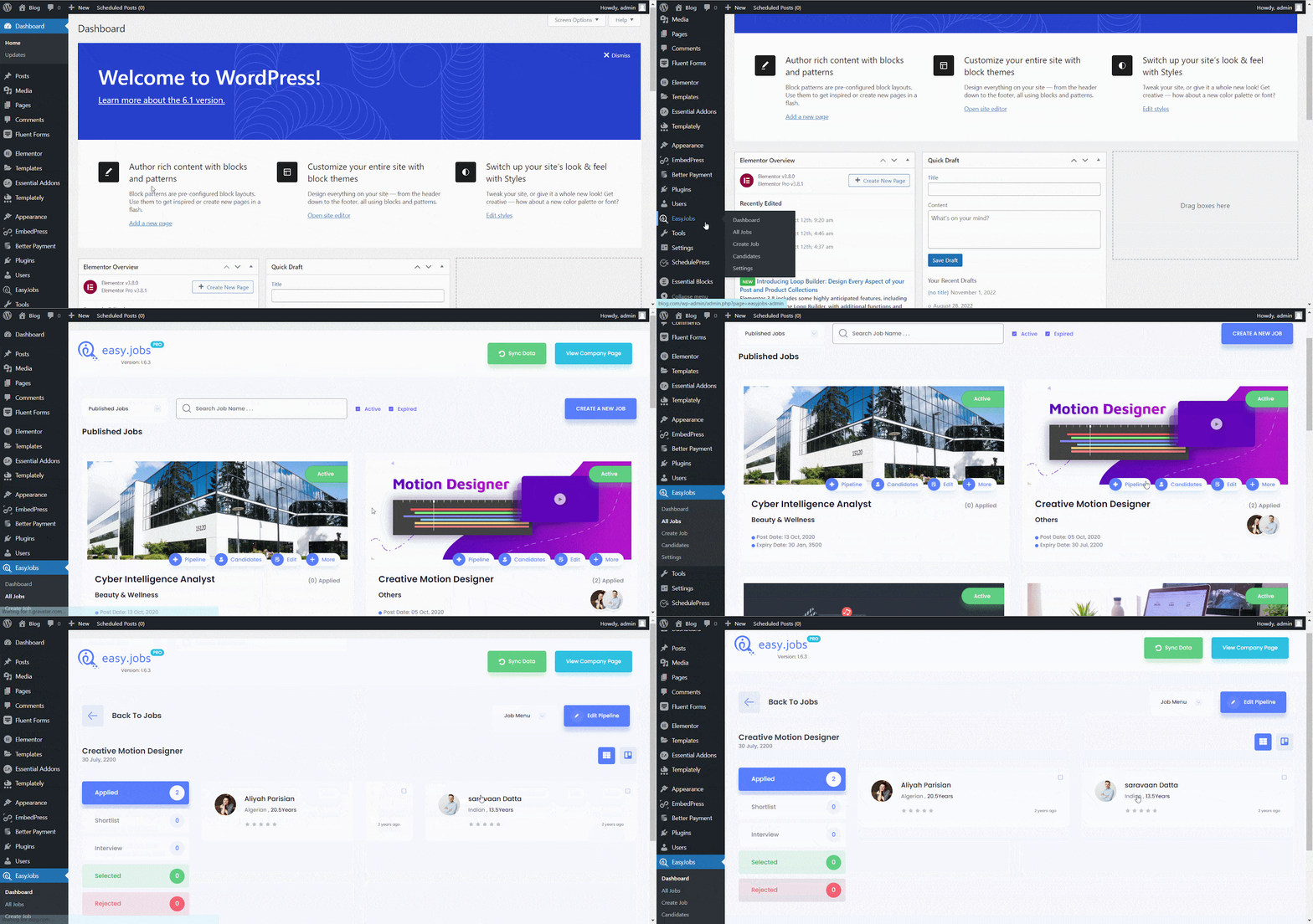
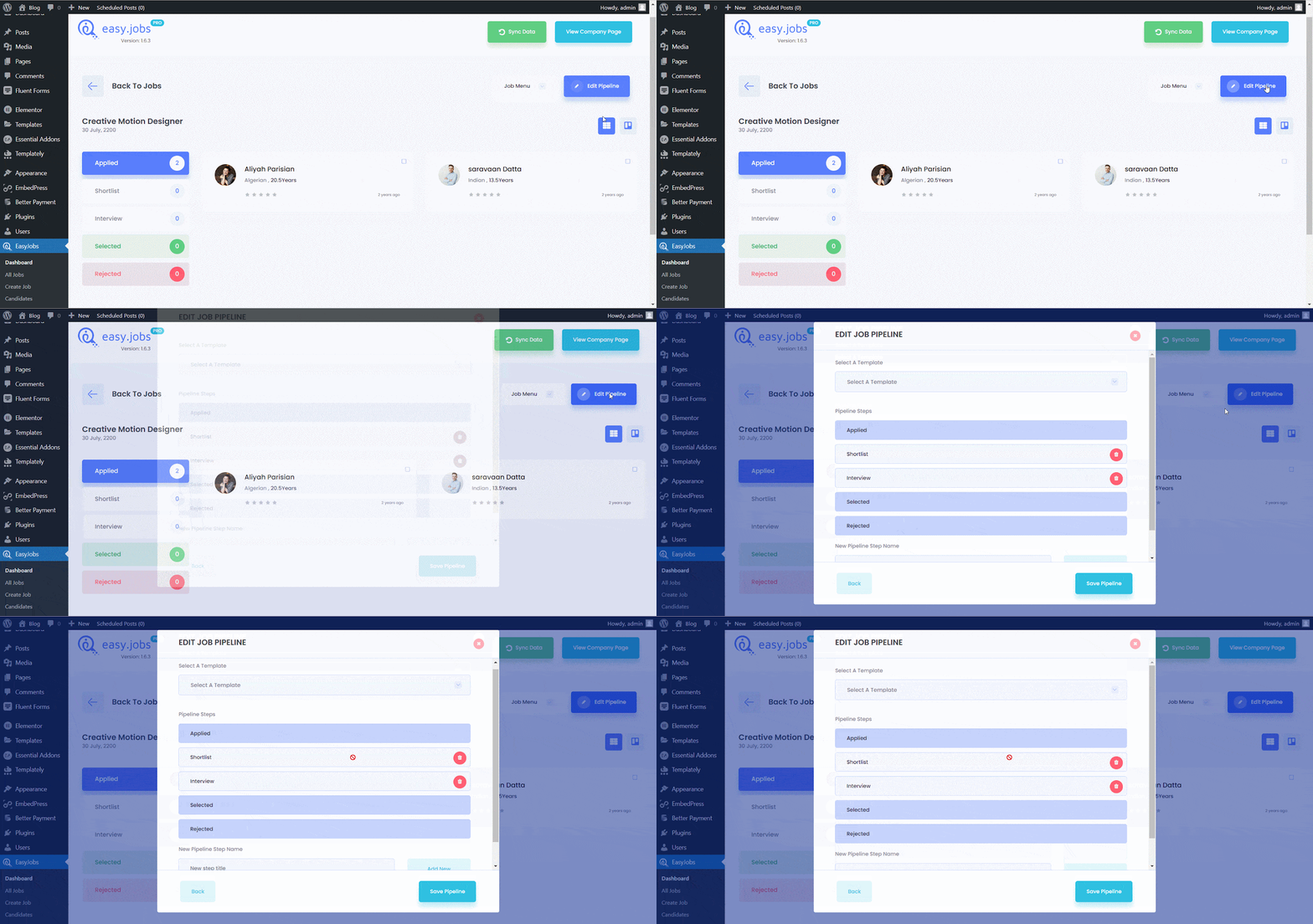
Steg 2: Hit the right-most tab titled ‘Edit Pipeline’ which will open up a new window from where you can add or remove one or multiple Pipeline steps.
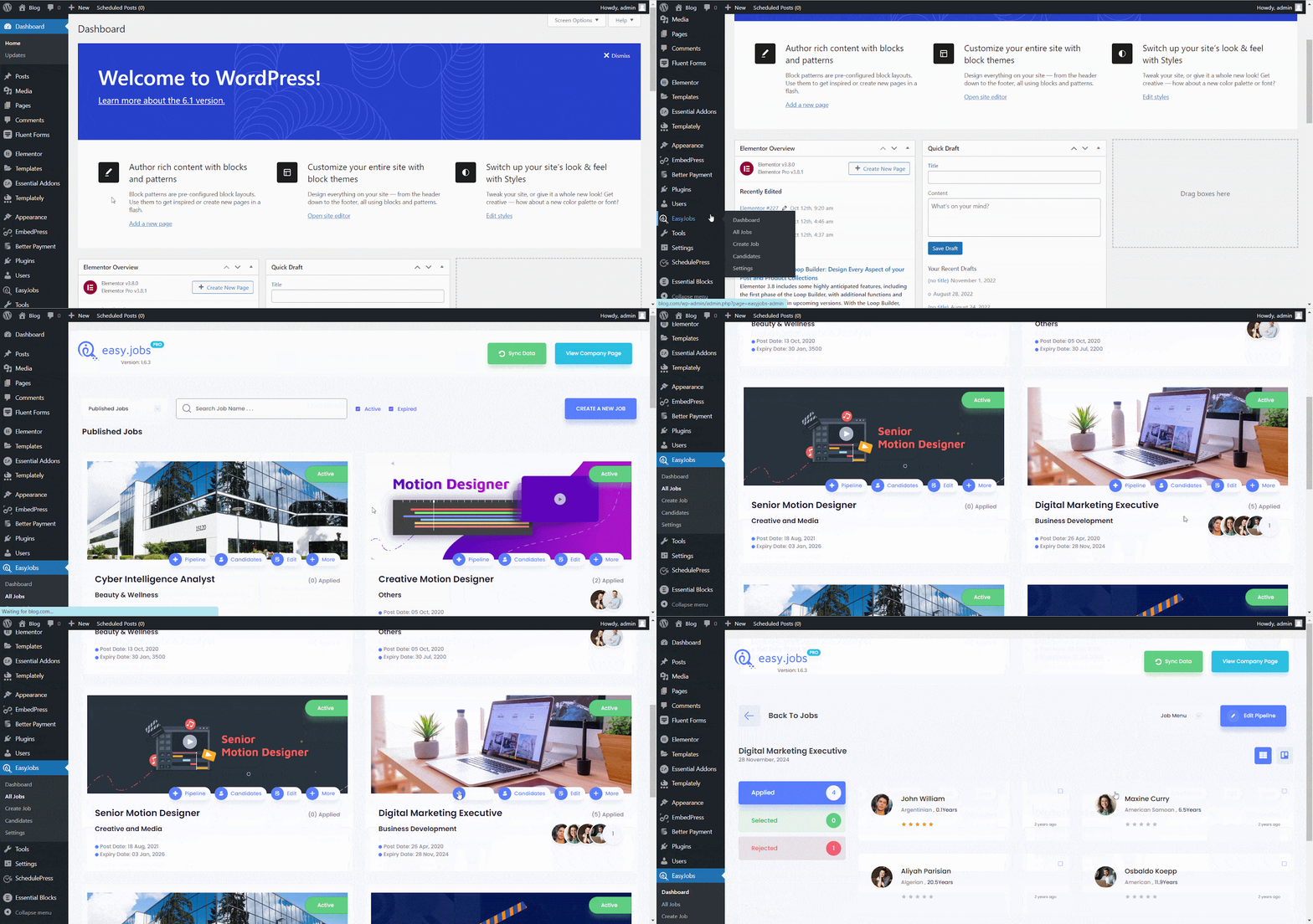
Hvordan håndtere rørstatus for kandidater? #
Trinn 1: To edit the Pipeline status for candidates first navigate to easy.jobs →All Jobs. tab.Now, click on the ‘Pipeline alternativ.
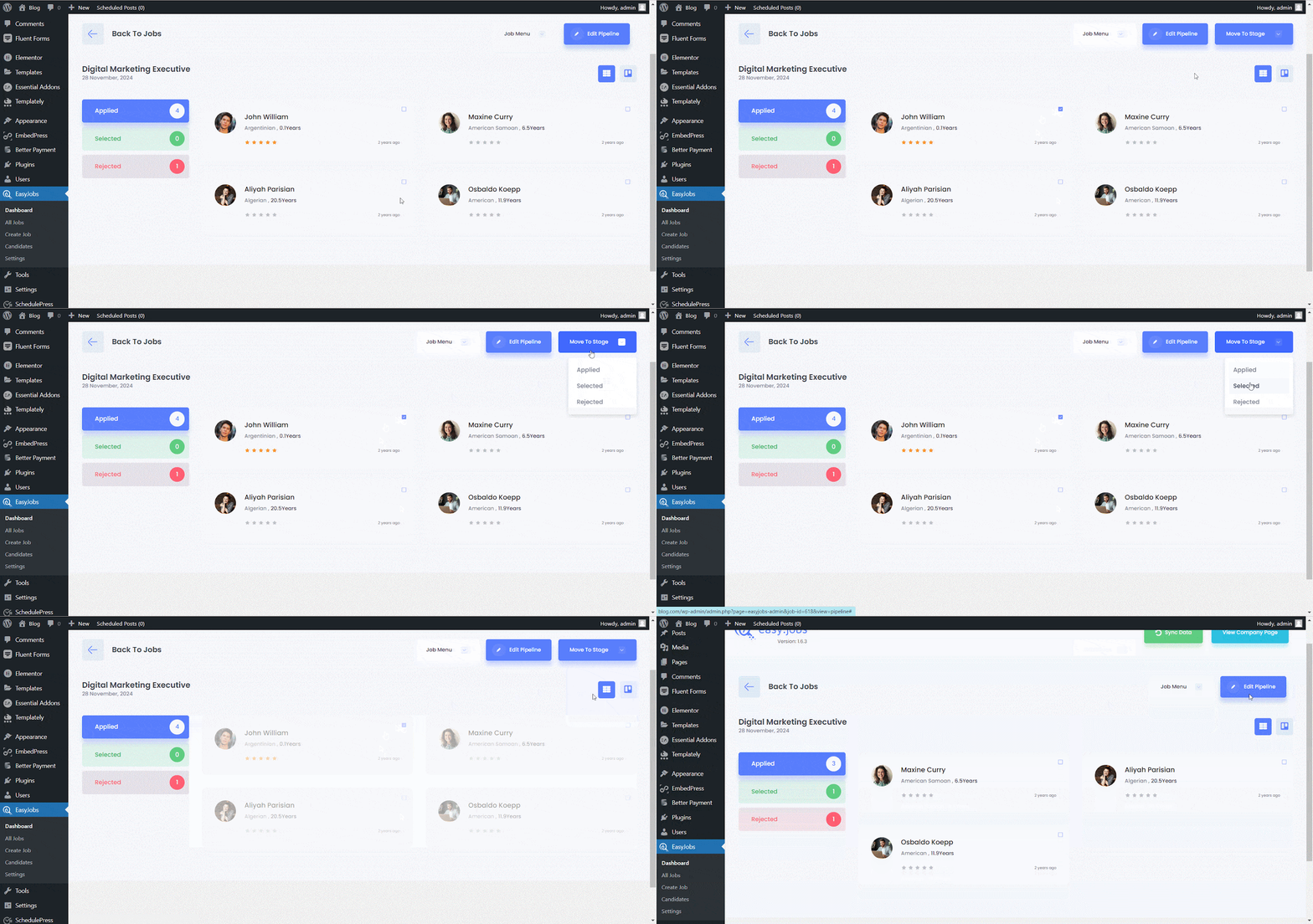
Steg 2:Now, checkmark the white box just beside the candidate’s name and hit the ‘Move To Stage’ button. A drop-down menu will appear where you can manage the candidate’s status and move where you want.
By following these steps, you can manage pipeline in easy.jobs to easily from WordPress dashboard. If you face any difficulties, feel free to kontakt oss for further assistance or join our Facebook-fellesskapet for å få kontakt med oss.