Handling candidates across multiple open roles is one of the most common challenges in modern recruitment. Applicants often apply for the wrong position, qualify better for a different role, or need to be reassigned after an interview. Without a structured process, recruiters end up duplicating profiles, losing context, or creating inconsistencies in their hiring data.
This is where the ability to Move Candidates to Other Jobs becomes critical. Instead of manually re-entering applicant information or restarting the evaluation cycle, recruiters can realign candidates within the hiring system while keeping the workflow intact.
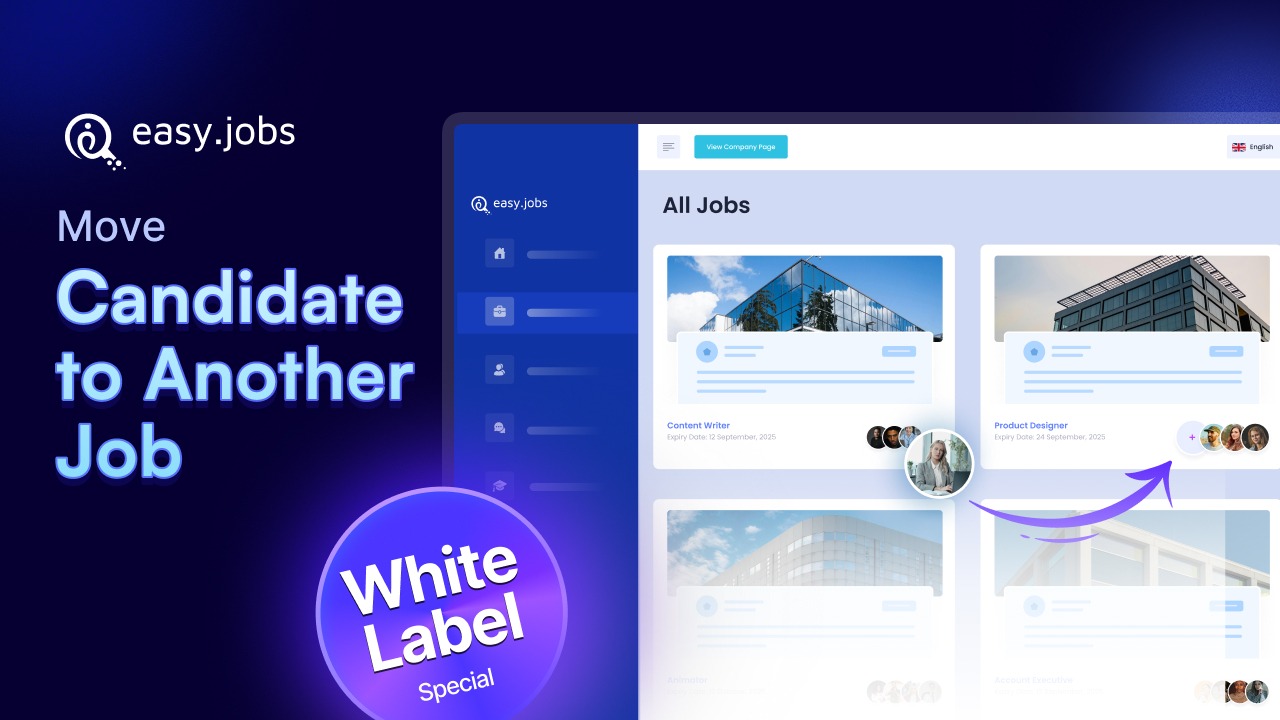
In easy.jobs, this capability is available as a White Label PRO feature, built for teams that manage high-volume or multi-role hiring environments and need a clean, controlled way to reassign applicants without disrupting candidate experience.
Feature Overview: Move Candidates to Other Jobs in easy.jobs
The Move Candidates to Other Jobs feature allows recruiters to realign existing applicants with a more suitable role directly from their profile. It is designed for scenarios in which candidates are better qualified for a different position or in which job requirements evolve during the hiring process.
This feature is part of the easy.jobs PRO plans and operates inside your branded hiring environment, ensuring that candidates never see third-party system labels or confusing platform behavior. More importantly, easy.jobs does not treat reassignment as a silent system action. Every move request is designed to protect candidate intent and preserve data accuracy across your hiring pipelines.
Why Recruiters Need Candidate-Confirmed Job Transfers?
Traditional applicant tracking systems often allow recruiters to instantly reassign candidates between roles without notifying the applicant. While this may appear efficient, it introduces trust issues, data fragmentation and compliance risks in your saas tool.
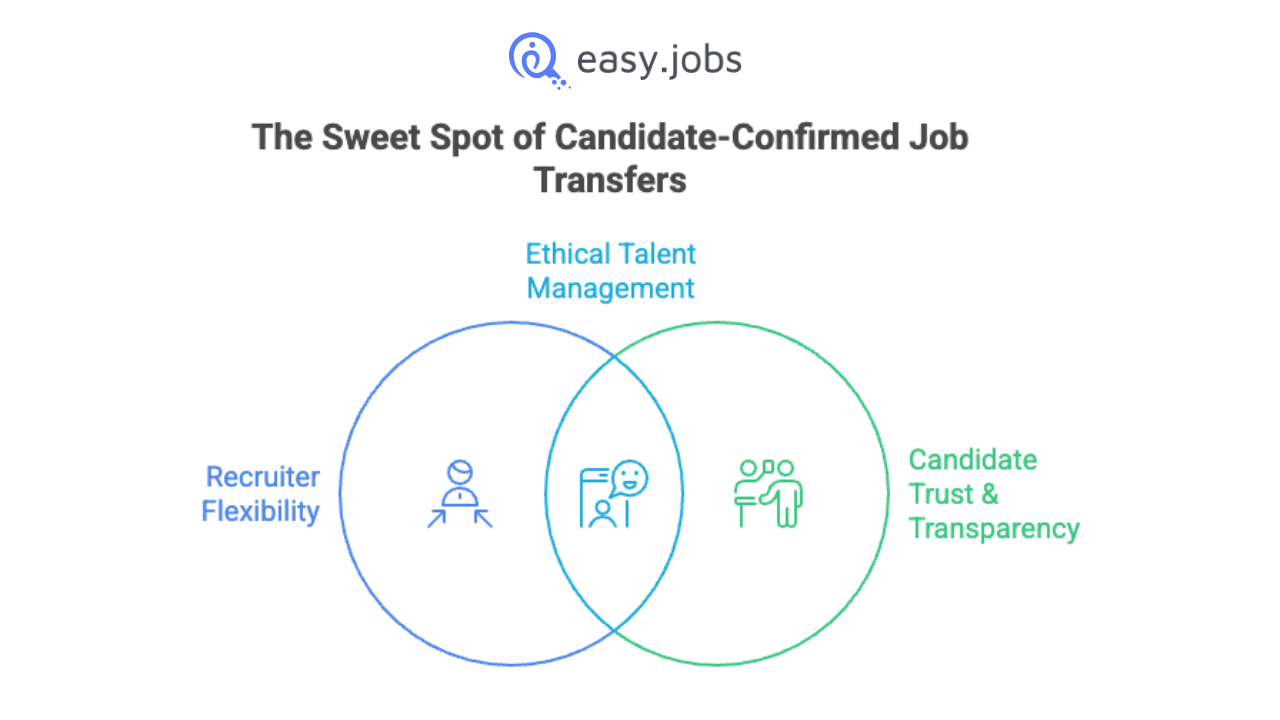
easy.jobs addresses this gap by allowing recruiters to transfer candidates between job posts only through a candidate-confirmed process. This means that no applicant is reassigned to a new role unless they explicitly accept the invitation.
This consent-based model ensures transparency, reduces misunderstandings, and strengthens long-term relationships with candidates. While still giving recruiters the flexibility they need to manage evolving hiring priorities.
How the Move Candidate Workflow Works in easy.jobs
Unlike conventional systems that instantly reassign applicants, easy.jobs follows a controlled and auditable process that clearly defines how to move applicants in an ATS without compromising candidate trust.
When a recruiter initiates a move request, the platform does not immediately attach the candidate to the new job. Instead, the system creates a Pending Transfer state. At this point, the candidate receives an automated email invitation to review the new role.
Only after the candidate clicks Accept is the profile attached to the destination job pipeline. If the candidate clicks Reject, the transfer is cancelled and the candidate remains in the original role. This ensures that every reassignment is transparent, candidate-approved, and fully traceable.
Step-by-Step: How Recruiters Move Candidates to Another Job
Let us find the exact workflow recruiters follow to move candidates to other jobs in easy.jobs. It outlines each stage of the process, from initiating the move request to final candidate confirmation, so you can manage transfers with complete clarity. Follow the steps below:
Step 1: Initiating the Move Request
To begin, open the candidate’s profile from the job pipeline where they are currently being evaluated. From the action menu, select Move to Job to trigger the reassignment process.
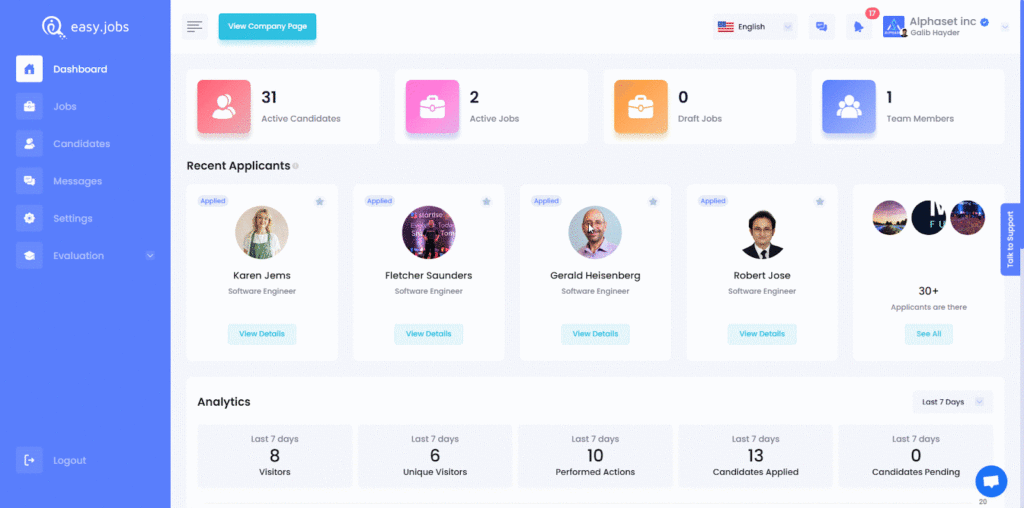
Step 2: Selecting the Destination Role
Next, choose the appropriate job opening from the list of active roles in your account. This allows you to align the candidate with the most suitable position based on updated requirements or interview feedback.
Step 3: Pending Transfer State
After submitting the request, the system places the candidate into a Pending Transfer state. No changes are applied to the hiring pipeline until the candidate responds to the confirmation email, ensuring that data integrity is preserved throughout the process.
How Candidates Confirm the Job Move
Once a recruiter submits a move request, the candidate receives an automated email inviting them to review the new opportunity. The email clearly outlines the role and provides two actions: Accept or Reject.
- Accept: The candidate’s profile is transferred to the new job pipeline and the reassignment is completed.
- Reject: The request is cancelled and the candidate remains in the original role.
If the candidate does not take any action, their profile stays in the Pending Transfer state. Recruiters can then decide whether to follow up with the candidate or withdraw the request.
What Recruiters See During Pending Transfer
While a candidate is awaiting confirmation, recruiters retain visibility into the profile but cannot move the candidate forward within the new job pipeline. The system clearly labels the status to prevent unintended actions or duplicate processing.
This approach provides a clear audit trail and keeps hiring data accurate, ensuring that no reassignment occurs without a documented response from the candidate.
Import Candidates from Other Sources Using CSV (Single & Bulk Import)
There are situations where candidates are not yet in your ATS or originate from external systems, such as spreadsheets, legacy ATS platforms, or job portals. In these cases, recruiters can use the CSV import workflow to onboard candidates into a specific job pipeline.
easy.jobs provides a predefined CSV format that supports both single and bulk uploads. This allows teams to bring in candidates from outside sources while maintaining a structured candidate reassignment workflow and consistent recruitment pipeline management practices.
Bulk Move Candidates Across Job Pipelines
When recruiters need to realign several applicants at once, easy.jobs PRO allows multiple candidates to be selected directly from the job pipeline and processed in a single action. After selecting the relevant profiles, recruiters can trigger the bulk move option from the action bar.
Each selected candidate is placed into the same Pending Transfer state and receives an individual confirmation email. The transfer is only completed after each candidate accepts the new role, ensuring that consent is preserved even when actions are applied at scale.
Below is the requested section content, plus one additional high-value section to strengthen the blog.
Best Practices for Moving Candidates Between Jobs
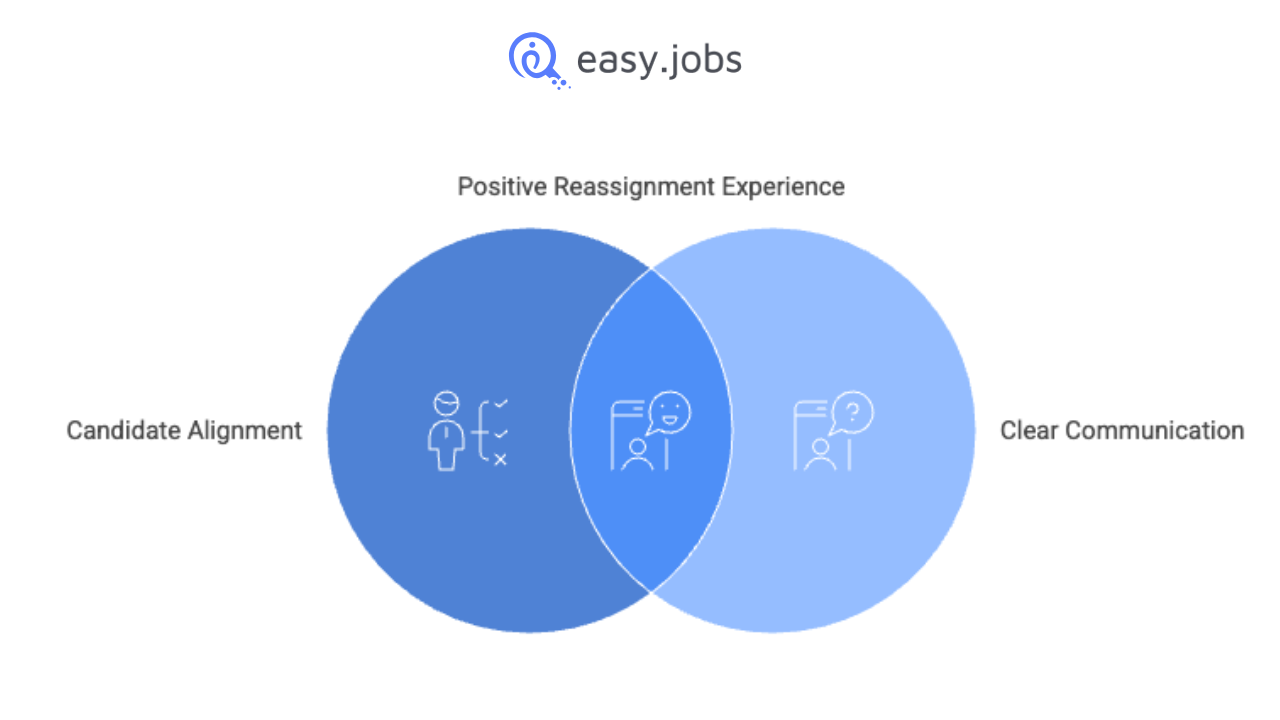
Moving candidates between roles is a powerful workflow, but it should be used with intent. Before initiating a reassignment, recruiters should confirm that the new role genuinely aligns with the candidate’s skills and career goals. Unnecessary transfers can confuse applicants and create friction in the hiring experience.
Always communicate clearly during interviews that a role change may occur, especially in multi-position hiring environments. This prepares candidates for the confirmation email and increases acceptance rates.
It is also important to avoid using job reassignment as a substitute for poor job scoping. If large volumes of candidates are frequently moved, it may indicate that job descriptions or sourcing channels need refinement. Used strategically, this feature keeps recruitment pipeline management clean, accurate, and candidate-friendly.
Common Mistakes to Avoid When Reassigning Candidates
Reassigning candidates can streamline multi-role hiring, but only when the process is applied with discipline and clear intent. The following pitfalls are the most frequent causes of workflow breakdowns.
Triggering transfers too late in the hiring cycle
Moving candidates after interviews or assessments have already occurred can distort evaluation data and create confusion for both candidates and hiring managers.
Ignoring prolonged Pending Transfer states
Failing to monitor or follow up when candidates do not respond leaves profiles stuck in limbo and silently stalls your hiring pipelines.
Using reassignment to mask poor job matching
Relying on the move feature instead of fixing role definition or screening quality introduces noise and weakens long-term hiring insights.
When used correctly, candidate reassignment should sharpen your hiring process, not compensate for upstream issues. Treat it as a precision tool that reinforces structured recruitment practices.
Frequently Asked Questions on Move Candidates Feature
Below are answers to the most common questions recruiters have about managing candidate transfers in easy.jobs, covering how to control pending requests, handle candidate responses, and understand plan-level availability of the feature.
Can I cancel a pending transfer?
Yes. A transfer request can be withdrawn at any time while the candidate is still in the Pending Transfer state.
What happens if a candidate rejects the new job?
If the candidate rejects the invitation, the reassignment is cancelled automatically and the profile remains in the original job pipeline.
Is this feature available on the free plan?
No. The ability to move candidates to other jobs is a White Label feature available exclusively in the easy.jobs WhiteLabel plans.
Hire Smarter by Reassigning Talent Without Losing Trust
The ability to move candidates to other jobs in easy.jobs goes beyond simple reassignment. By introducing a candidate-confirmed workflow, the platform ensures transparency, data accuracy, and trust throughout the hiring process. For recruitment teams managing multiple roles, this White Label PRO feature provides a reliable way to realign applicants without disrupting ongoing evaluations or compromising candidate experience in your ATS.
If you found this guide on how to move candidates to other jobs helpful, we invite you to stay connected with our recruitment community. Subscribe to our blog to receive practical hiring tips, feature updates, and workflow guides delivered straight to your inbox. Join our Facebook community of recruiters and hiring professionals to share experiences, ask questions, and learn how other teams build smarter hiring pipelines.